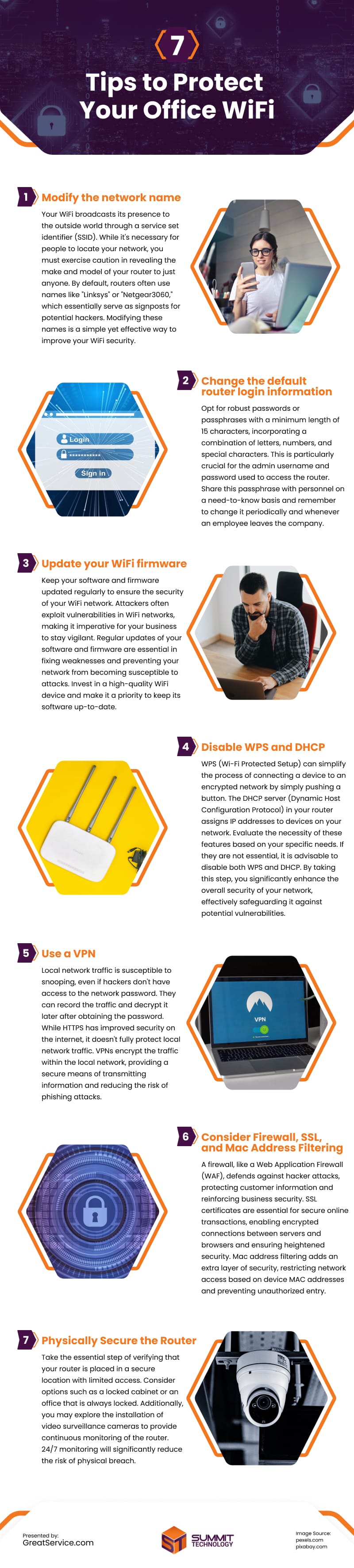
Securing your office WiFi is crucial for data and customer protection, especially for smaller businesses vulnerable to cyber threats. To enhance security, adjust network names, strengthen router login with complex passwords, and regularly update firmware.
Disable unnecessary features like WPS and DHCP. Use VPNs for encrypted local traffic, adding a layer of defense against snooping. Implement firewalls, SSL certificates, and Mac address filtering for proactive measures, protecting customer information. Physically secure routers in restricted locations and use video surveillance to minimize physical breaches.
Prioritizing information protection ensures smooth business operations amidst increasing cyber threats.
Source: https://www.greatservice.com/how-to-protect-your-wifi-network-in-the-office/
Embed This Image On Your Site (copy code below):


